Drawings / For
Illustrations for articles and posts about AI
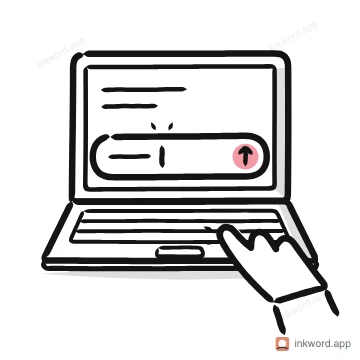
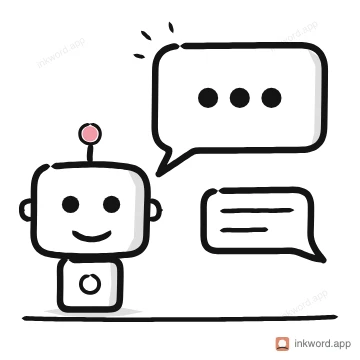
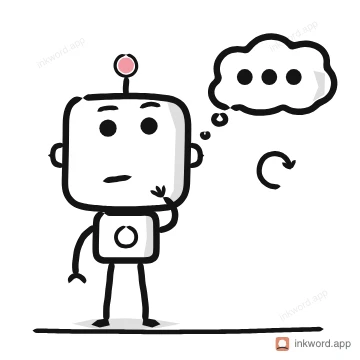
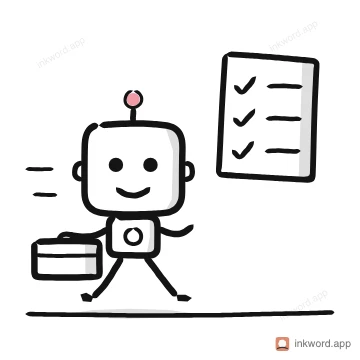
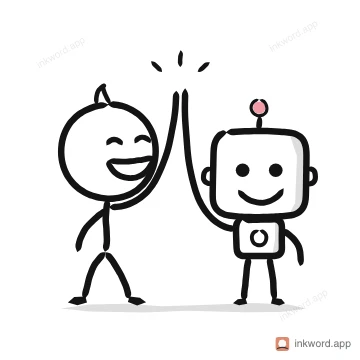
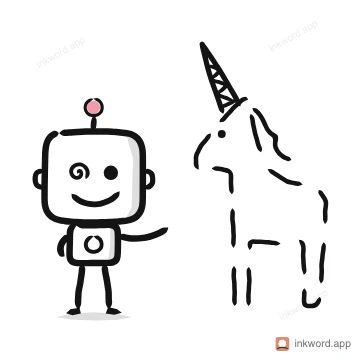
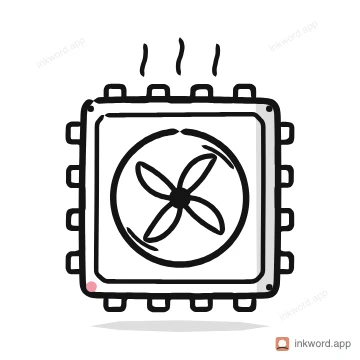
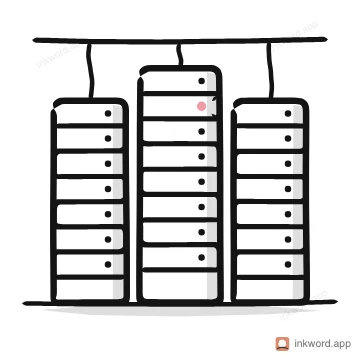
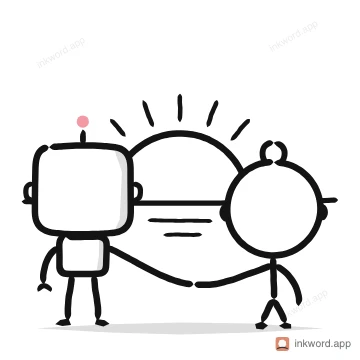
Writing about AI doesn't need another glowing blue brain. A plain drawing of the actual thing (a prompt being typed, an assistant, a chip, an agent at work) says more and looks like yours. Below are 12, each a free PNG, and Inkword draws any other AI idea from a word.



How to use them
- Draw the specific thing your article is about, not "AI" in general.
- Use one drawing at the top and one per section at most; more turns into decoration.
- A light background suits these; the pack has transparent PNGs and SVGs for anything else.
Questions
- What is a good image for a blog post about AI?
- A simple drawing of the specific idea in the post, such as typing a prompt, an assistant or a GPU chip, instead of a generic robot or glowing brain.
- Are these drawings free?
- Yes. Each one downloads free as an 800 px PNG from its own page. Free to use in your own work, personal or commercial. A credit to Inkword is kind but not required. Don't resell it, offer it as a download elsewhere or use it to train AI. The packs add SVG, transparent PNG, GIF and Lottie.
- What if I need a drawing that isn't here?
- Type a word or a short phrase into Inkword and it draws one in the same style, stroke by stroke. A free account gets 10 drawings a month.