Drawings / For
What to show on an empty screen in your app
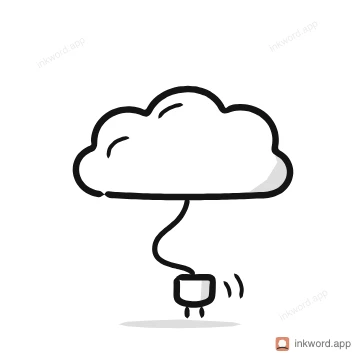
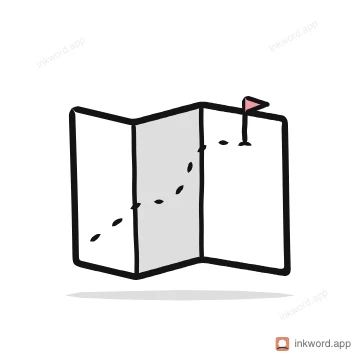
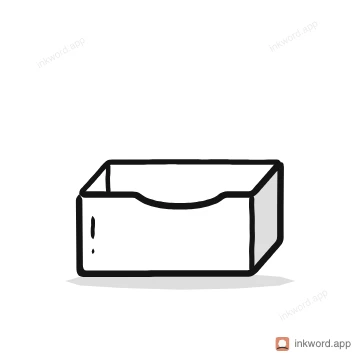
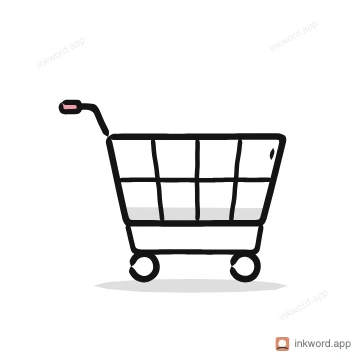
An empty screen should say what is missing and what to do next, with one calm drawing of the thing that isn't there yet. Match the drawing to the reason: a magnifying glass for no results, an unplugged cloud for offline, a flag for a first visit. Here are 12 matched to the screens every app has, each a free PNG.

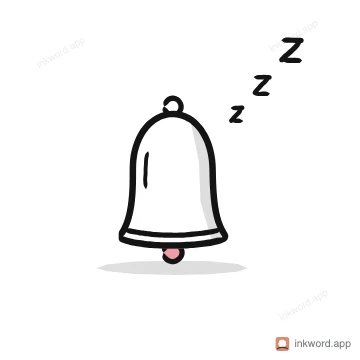
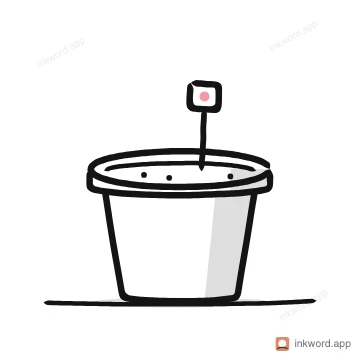
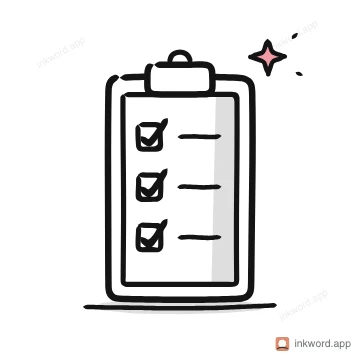
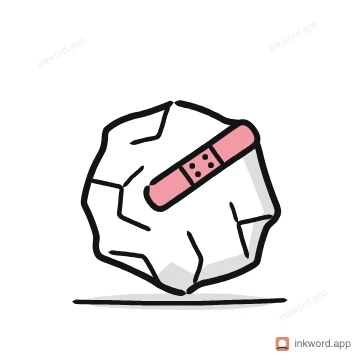
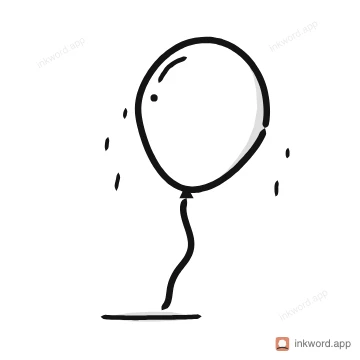
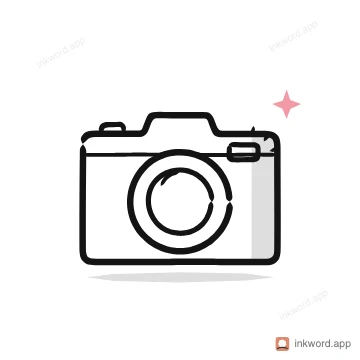
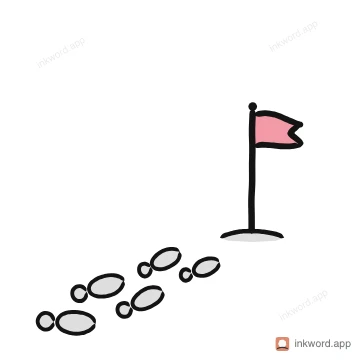
How to use them
- One drawing, one sentence, one button. "No results for 'tea'. Try a shorter word." beats a paragraph.
- Use the drawing to set the mood: calm for empty, cheerful for all done, plain for an error.
- For an app, take the pack's SVG or Lottie so it stays sharp and can move.
Questions
- What makes a good empty state?
- It explains why the screen is empty, shows a drawing of the missing thing, and offers the one action that fills it: search again, reconnect, add the first item.
- Are these drawings free?
- Yes. Each one downloads free as an 800 px PNG from its own page. Free to use in your own work, personal or commercial. A credit to Inkword is kind but not required. Don't resell it, offer it as a download elsewhere or use it to train AI. The packs add SVG, transparent PNG, GIF and Lottie.
- What if I need a drawing that isn't here?
- Type a word or a short phrase into Inkword and it draws one in the same style, stroke by stroke. A free account gets 10 drawings a month.