Drawings / For
Illustrations for newsletter headers
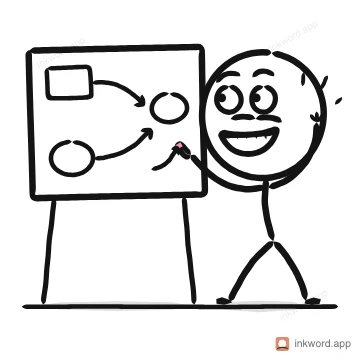
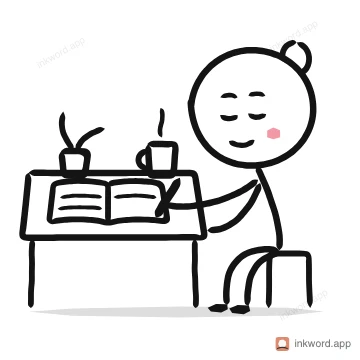
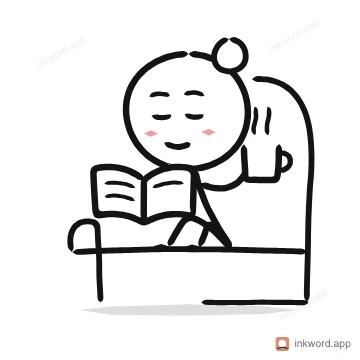
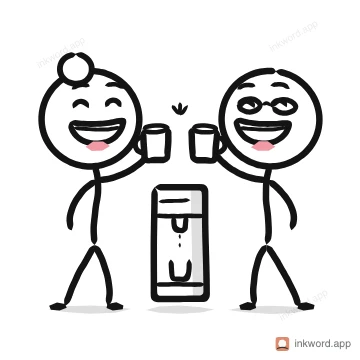
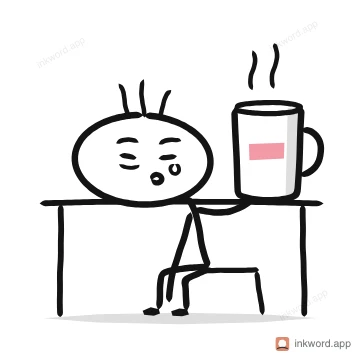
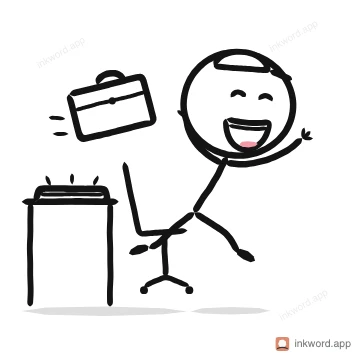
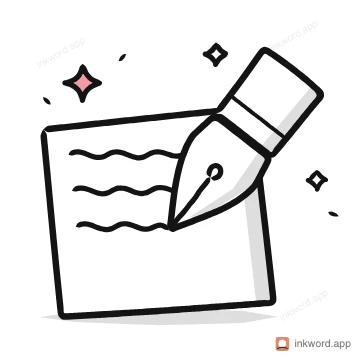
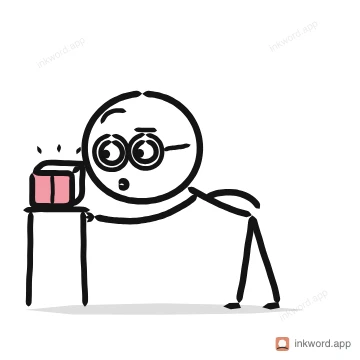
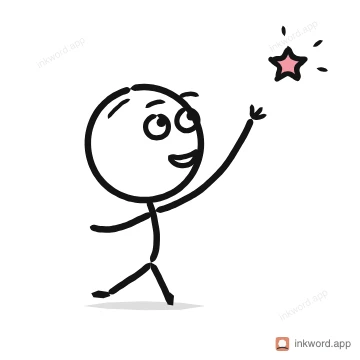
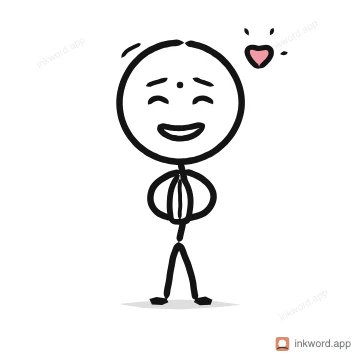
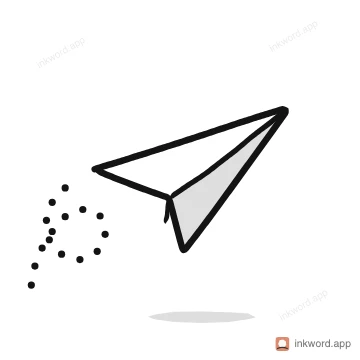
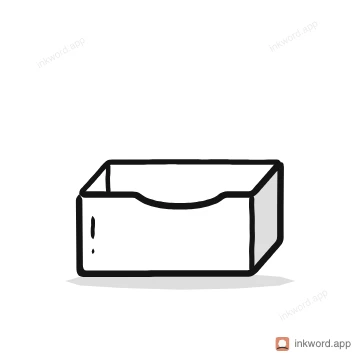
A newsletter header works best as one small drawing of the issue's idea, the same style every week, so readers know it's you before they read a word. Below are 12 for the usual subjects: a new idea, a slow Monday, a Friday, a thank-you. Each is a free PNG, and Inkword draws the next issue's word in the same style.
How to use them
- Draw the issue's one idea, not its title: a word like "deadline" or "hope" makes a better picture than a sentence.
- Keep the same style every issue; it becomes the newsletter's look.
- Place it centred above the title at about 400 to 600 px wide; the free PNG is 800 px, sharp on any screen.
Questions
- What size should a newsletter header illustration be?
- Most email layouts are 600 px wide, so a drawing 400 to 600 px wide reads well on a phone and a laptop. The free PNGs here are 800 px square.
- Are these drawings free?
- Yes. Each one downloads free as an 800 px PNG from its own page. Free to use in your own work, personal or commercial. A credit to Inkword is kind but not required. Don't resell it, offer it as a download elsewhere or use it to train AI. The packs add SVG, transparent PNG, GIF and Lottie.
- What if I need a drawing that isn't here?
- Type a word or a short phrase into Inkword and it draws one in the same style, stroke by stroke. A free account gets 10 drawings a month.